Practical guide · 4 min read
LivingAI EMO vs EMO GO HOME: which desk robot should you choose?
Compare the original EMO and EMO GO HOME: skateboard charging, automatic docking, White editions and the space each setup needs.
Standard EMO: place it on its charger
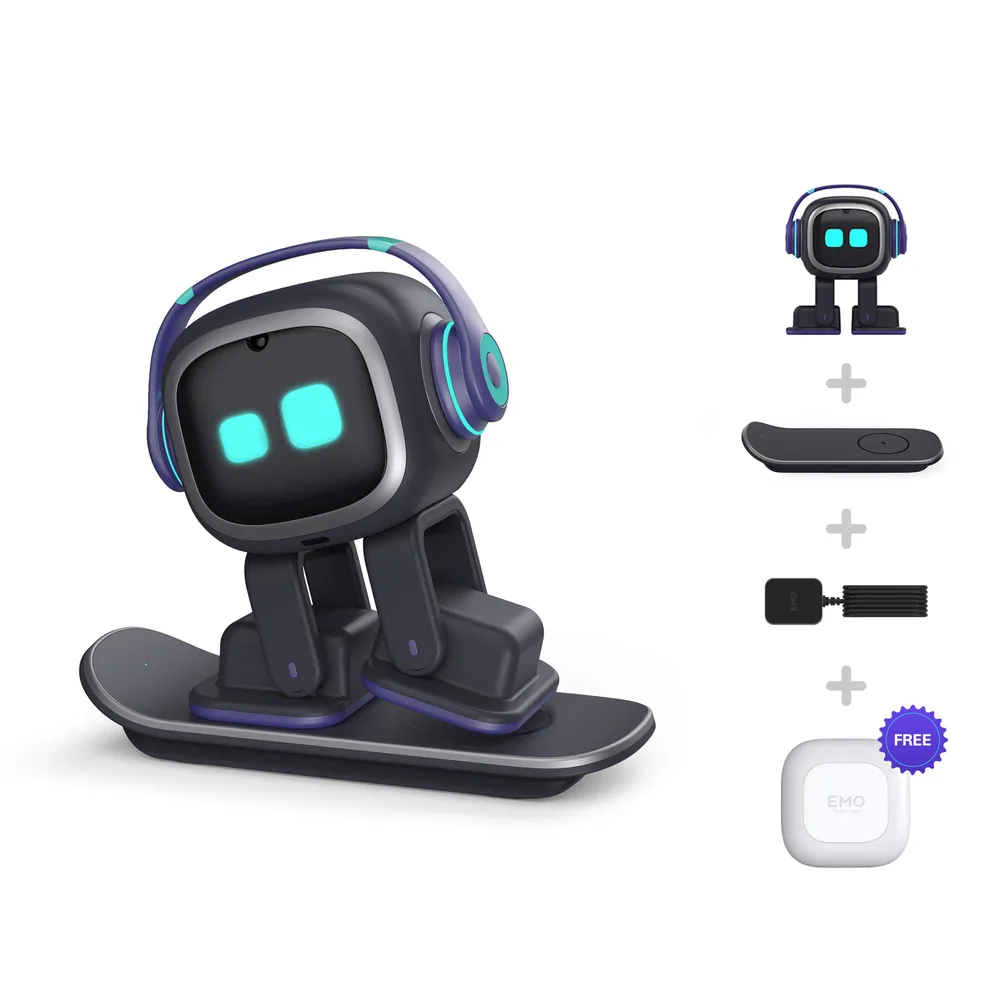
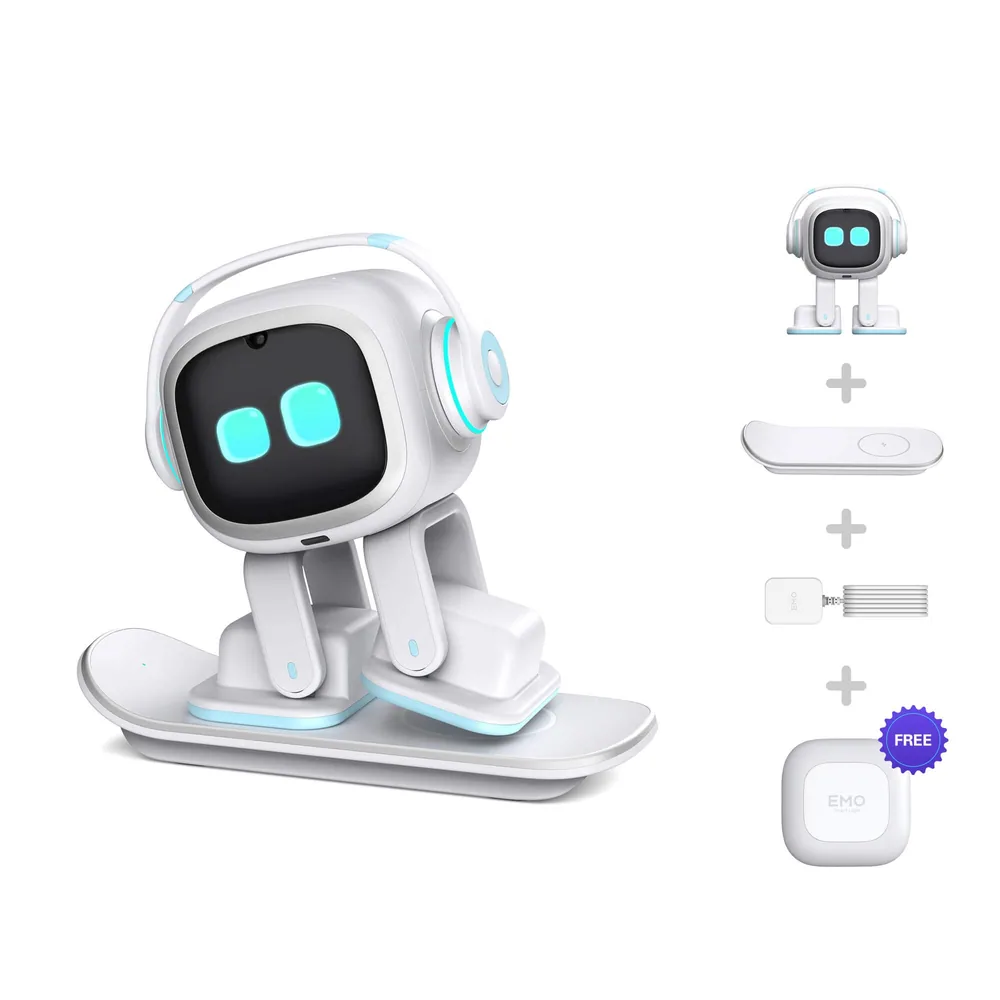
EMO moves around a desk and reacts to touch, voice and faces with animations and sounds. The standard set includes a wireless skateboard charger. You put the robot on the charger yourself. The White edition changes the finish, not the charging method.
EMO GO HOME: a dock the robot can return to
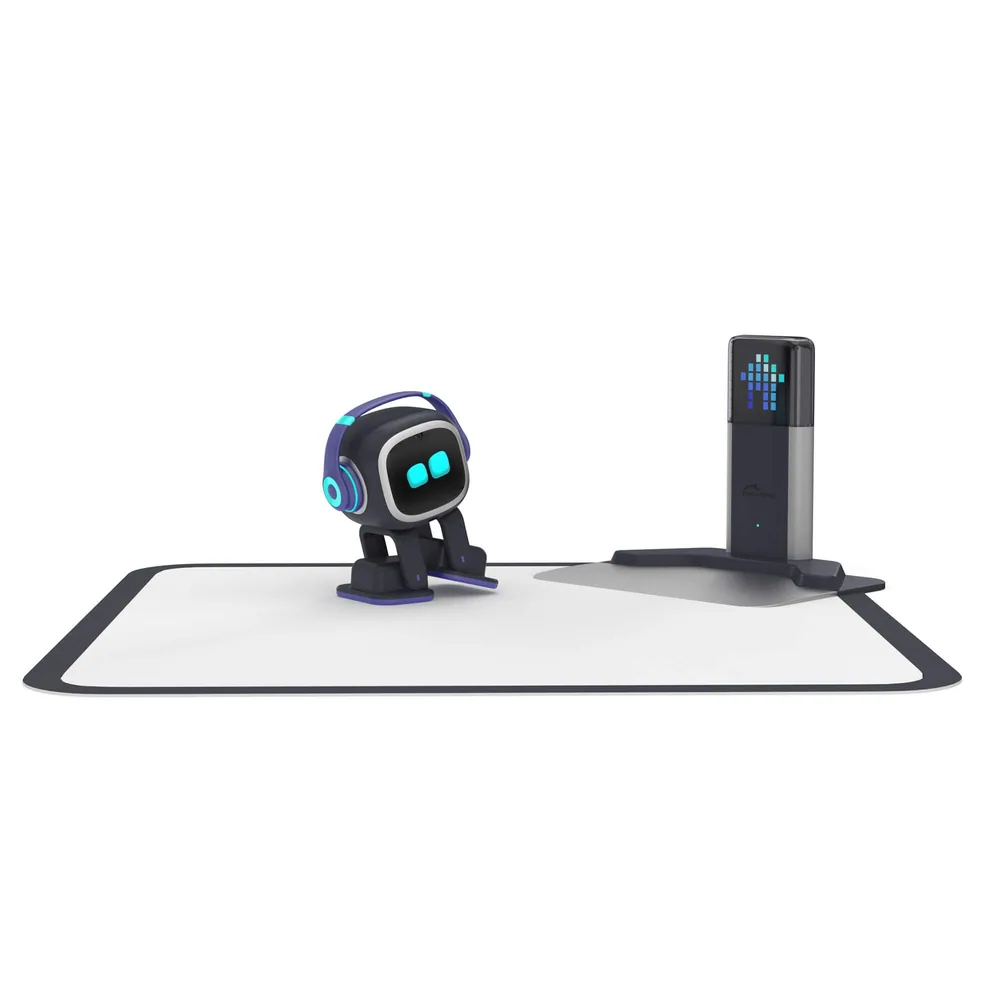
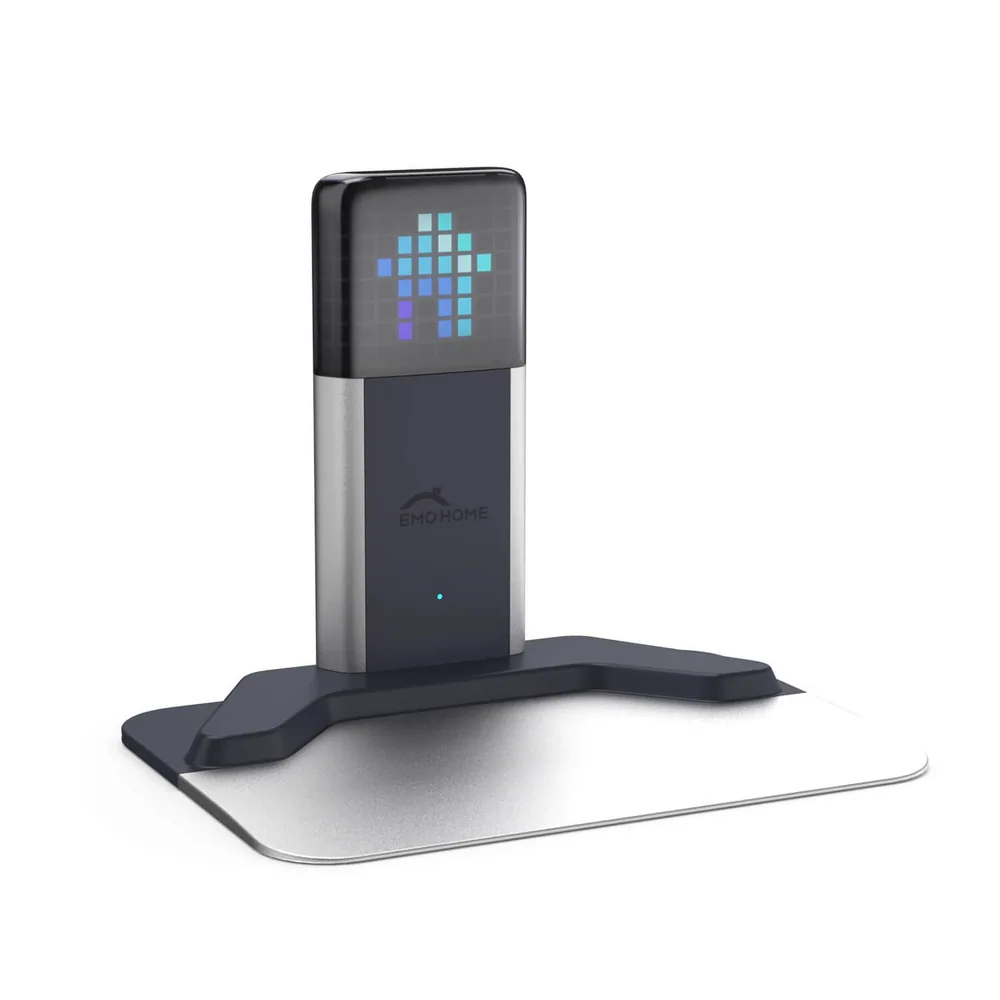
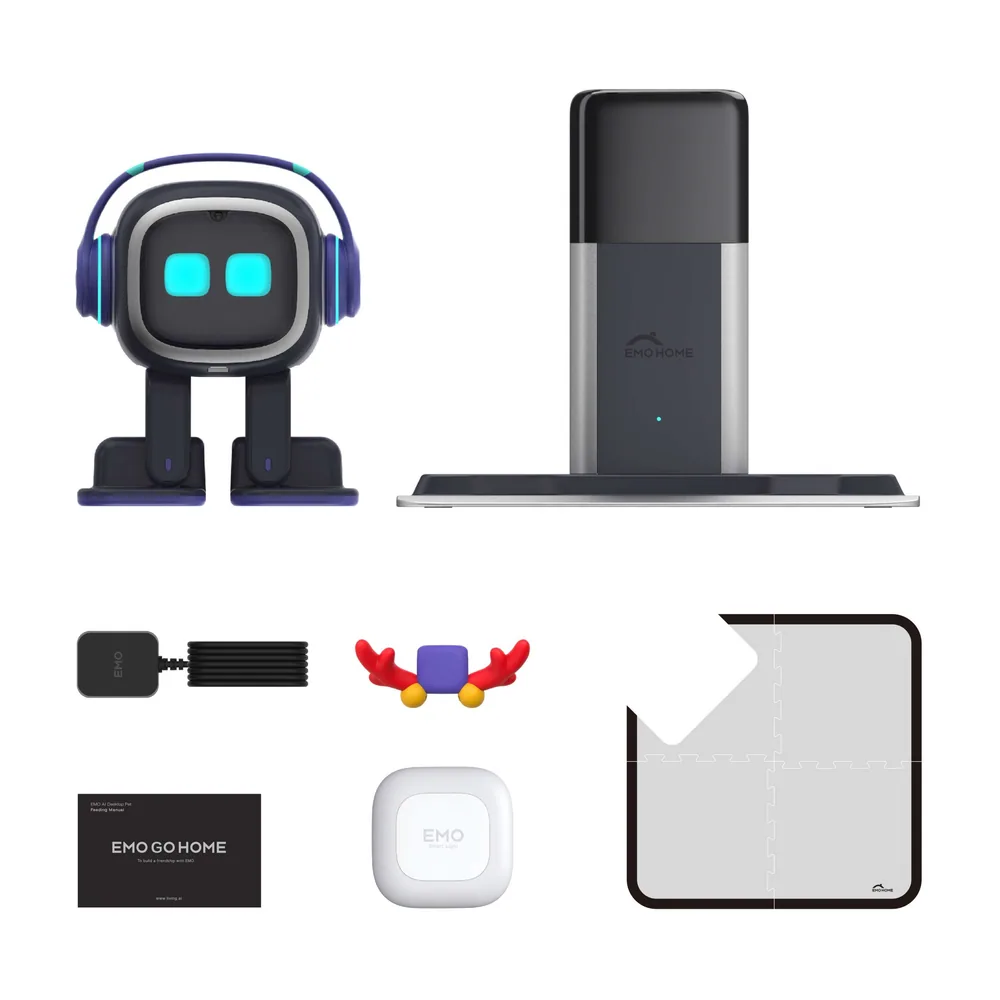
The GO HOME bundle contains the robot and the Home Station, which EMO can return to when its battery is low. Give the dock a clear approach on a flat surface away from edges. Choose GO HOME White for the white version of that bundle.
Check Wi-Fi, language settings and the app
Set up EMO with the EMO Pet app and 2.4 GHz Wi-Fi. Check the languages available in the installed firmware. The camera and microphones support interaction; the robot is not a security camera or a Zigbee hub. Some features rely on LivingAI services.
Buying a separate Home Station
The standalone station does not include a robot. If you already have an EMO, check the manufacturer's firmware and pairing instructions. For a first purchase with automatic docking, choose the complete GO HOME bundle.
Common questions
Does standard EMO dock on its own?
Not on the included skateboard charger. Automatic docking requires a compatible, configured Home Station.
Does EMO GO HOME White include the robot?
Yes. It contains the white robot and its Home Station. The standalone station does not include the robot.