Practical guide · 5 min read
RS485 and Modbus sensors with Home Assistant: plan a reliable installation
Understand RS485, Modbus RTU, registers and units before connecting an outdoor sensor to ESPHome or Home Assistant.
RS485 does not automatically mean Modbus
RS485 describes the electrical link; Modbus RTU defines data exchanges. Obtain the exact model’s register table before choosing software. RS485 alone does not establish Modbus support.
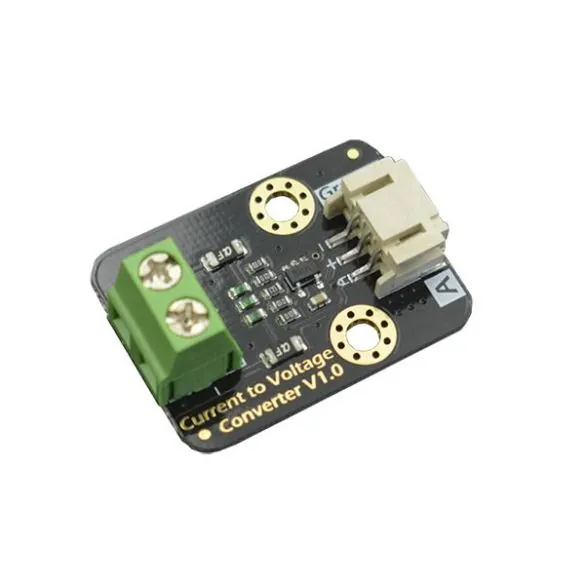
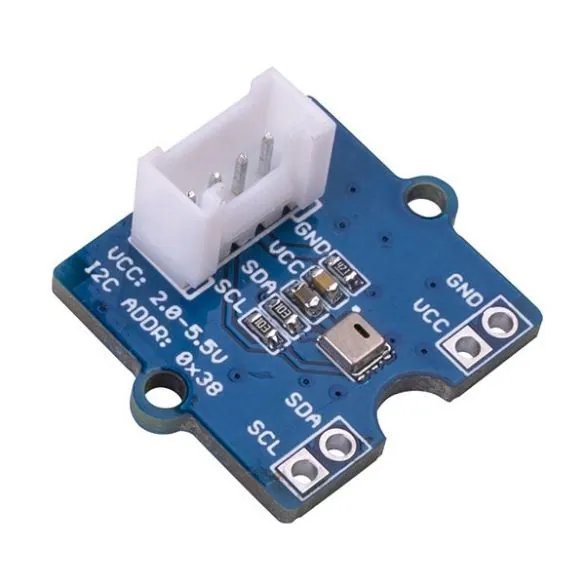
SEN0644 documents Modbus RTU. SEN0562 uses I2C and is not wired to the same bus. A current loop or a Grove connector is another interface again.
Record the settings before wiring
Check supply, pinout, address, baud rate and parity. Use an RS485 interface, not a bare TTL UART. Follow the manufacturer’s cable, termination, grounding and protection instructions.
Start with one device and a known reading. Register addresses from another tutorial may be wrong. Avoid writing settings until reads have been validated.
Validate the reading before creating entities
A suitable ESPHome controller can read a compatible Modbus sensor. Home Assistant also supports documented Modbus architectures. Choose and document one reading path.
Check register type, number format, byte order, scale and unit. Compare the result with a plausible physical condition: lux are not a presence percentage.
Handle missing data and outdoor connections
Poll at a documented interval and monitor errors. Missing data must not silently become zero. Test disconnection and recovery, with access to wiring and settings.
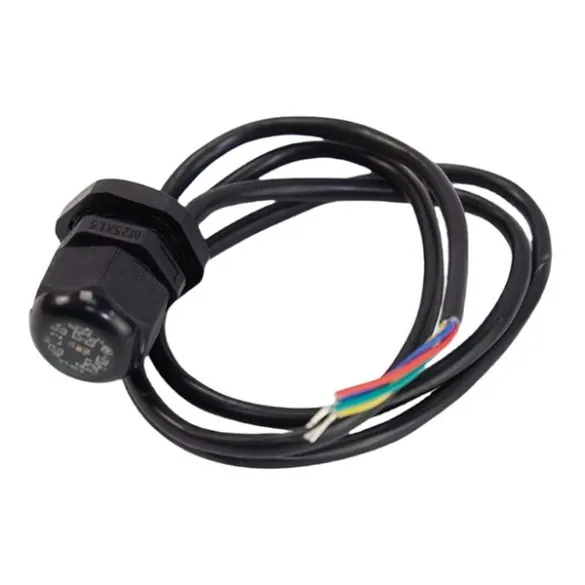
A waterproof probe does not waterproof the connectors or controller. Keep a safe fallback and a manual command for any automation.
Common questions
Does every RS485 sensor use Modbus?
No. You need explicit Modbus RTU support and the exact model’s settings and register table.
Can RS485 connect directly to ESP32 GPIO pins?
Not as a TTL UART. Use an appropriate RS485 interface and supply, following the documented wiring.