Practical guide · 5 min read
Tank level with Home Assistant: pressure, ultrasound or a level switch?
Choose a water-tank measurement: level switches, hydrostatic pressure, ultrasonic distance, volume conversion and a DIY link to Home Assistant.
Decide whether you need a threshold or a quantity
A low-water alert may only need a level switch. Estimating how much water remains requires a continuous measurement and the tank geometry. Write down the liquid, material, height and mounting access before buying.
Do not use a water sensor for fuel or a pressurised tank unless the manufacturer explicitly permits it.
Compare the measurement methods
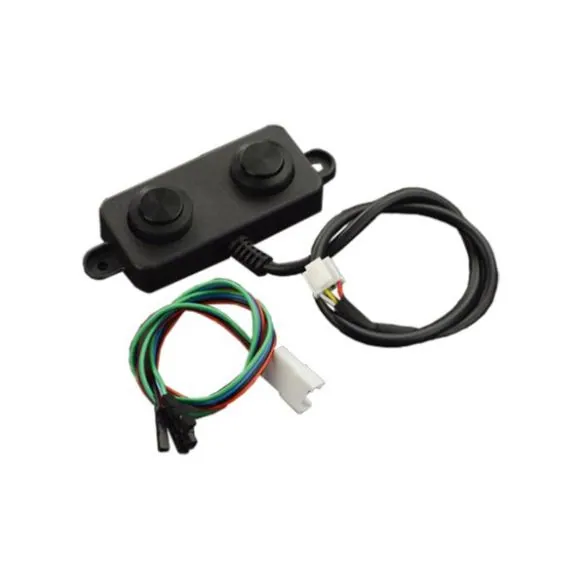
An optical or non-contact detector reports liquid at a point. Hydrostatic pressure can indicate height. A sensor above the water measures distance, but walls, foam and the blind zone affect the result.
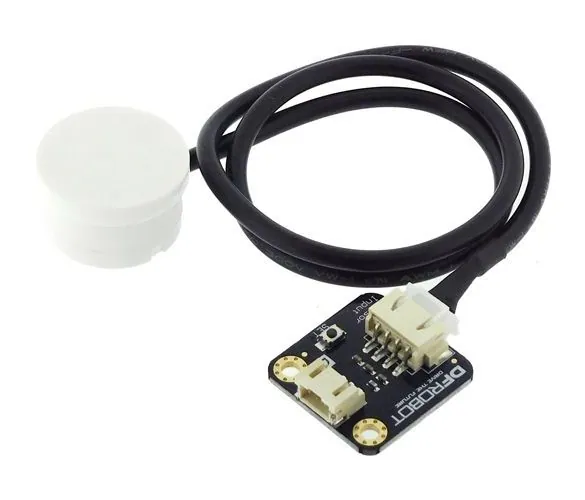
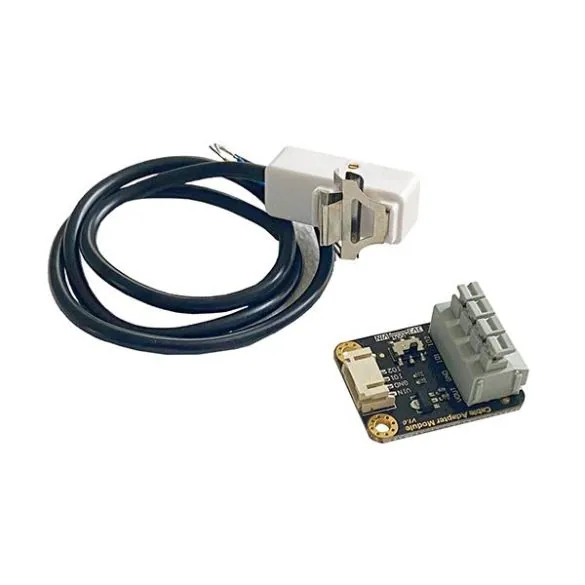
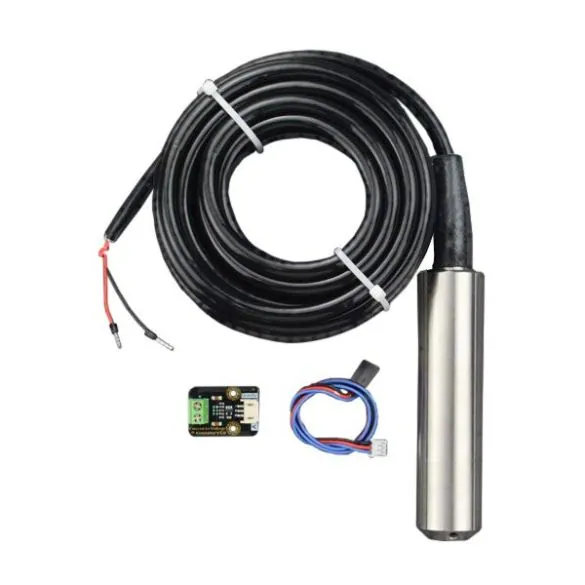
KIT0139, SEN0204 and SEN0311 represent different approaches, not interchangeable replacements. SEN0370 detects liquid in a small tube; it does not measure a large tank’s volume.
Connect the electronics, then validate the units
A bare module does not pair with ZHA. Choose a controller and firmware for its exact interface. Analogue signals, pulses and serial data require different acquisition settings.
Keep the raw reading first. Compare several known levels before converting to a percentage or litres. In a horizontal or irregular tank, volume is not necessarily proportional to height.
Start with an alert, not an automatic pump
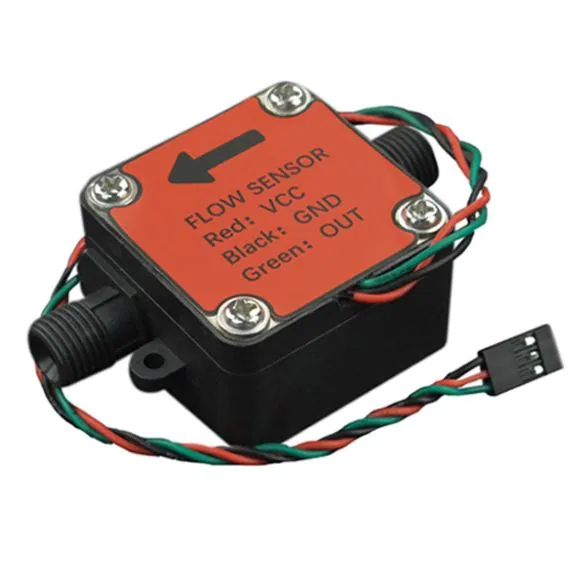
Test a restart, missing data and the low-water threshold. Add a delay so waves do not trigger repeated notifications. A flow meter measures circulation, not the stored level by itself.
If a pump is controlled later, retain independent dry-run protection, a manual command and a maximum run time.
Common questions
Does ultrasound directly measure litres?
No. It measures distance. You need the installation geometry and a conversion validated against known quantities.
Can a bare sensor pair with ZHA?
No. Reading the sensor and publishing its data require a suitable controller and firmware.